• New
Greendoor AC Infinity Adapter Set for F.O.G. Lights
search
  • Greendoor AC Infinity Adapter Set for F.O.G. Lights

Greendoor - AC Infinity Adapter Set for F.O.G. Lights

1643
CHF89.00
Tax included

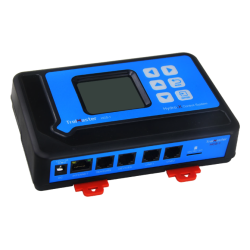
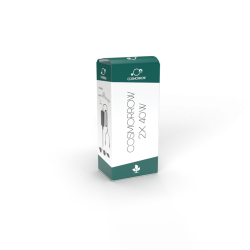
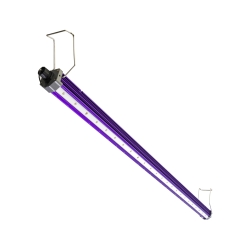
The AC Infinity Adapter Set for F.O.G. Lights is the ideal solution for all growers who wish to integrate their high-performance F.O.G. (Future Of Growing) LEDs into the AC Infinity smart ecosystem.

Thanks to this set, the lighting can be controlled directly via the UIS controller (e.g. Controller 69, 69 Pro or AI), enabling precise automation of light cycles and dimming levels via the app.

Quantity
In Stock

Vision, Basel: 0
Greendoor, Aesch: 3

Product highlights

  • Full integration: Seamlessly connects F.O.G. lights to the AC Infinity UIS system.
  • Plug & Play: No complicated wiring or technical knowledge required. All components are perfectly matched.
  • App control: Enables control of light intensity and schedules via the AC Infinity app (when using a compatible controller).
  • Worry-free package: Saves you the hassle of searching for individual parts and dealing with different connector standards.

Contents of the set

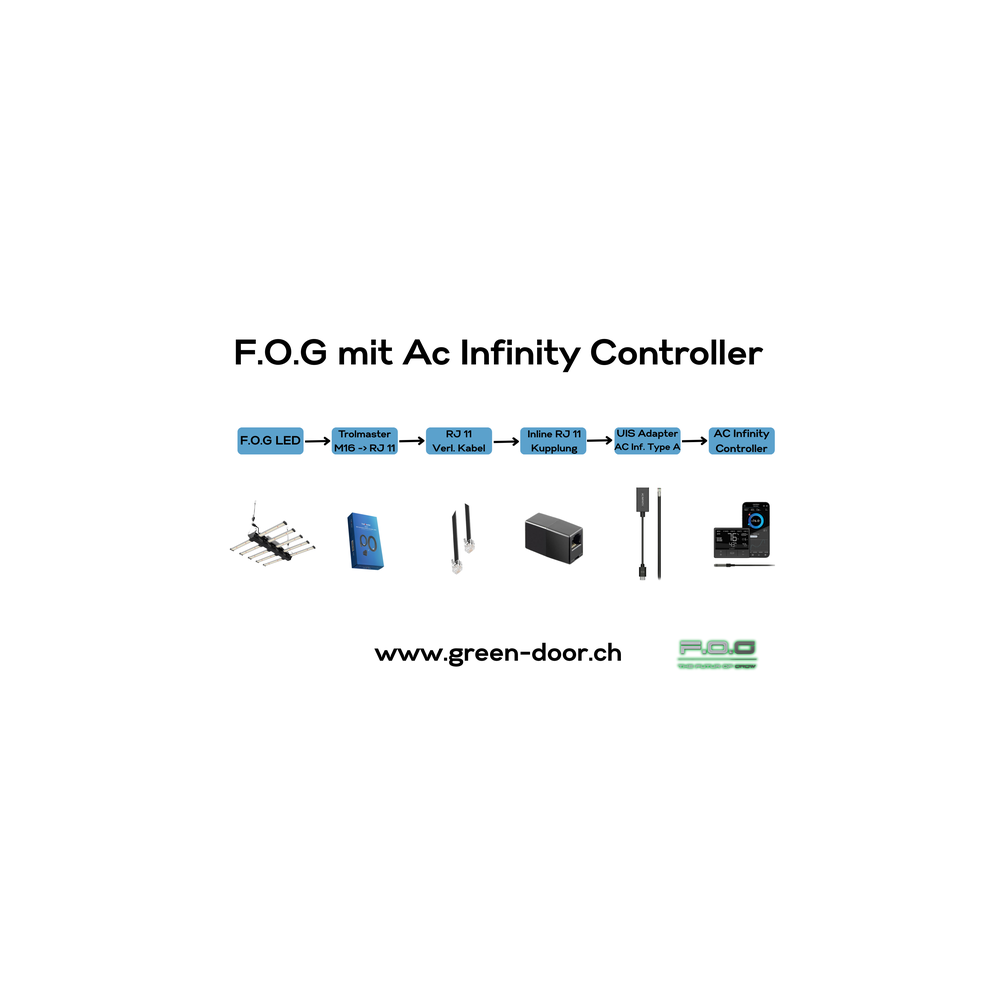
The set contains all the necessary connectors to bridge the distance and different plug types:

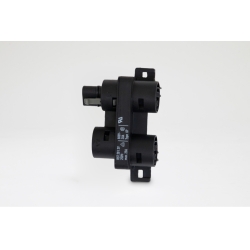
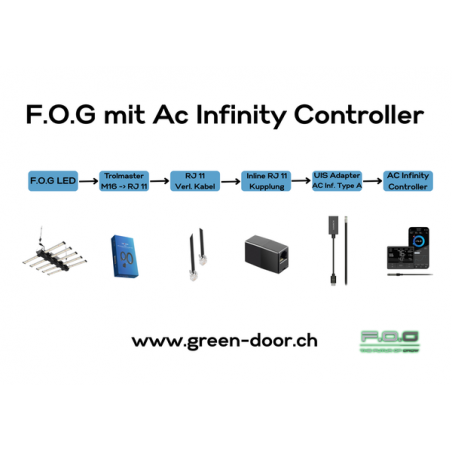
  1. 1 x Trollmaster M16 to RJ11 adapter: The bridge from the light’s industrial M16 connector to the common RJ11 standard.
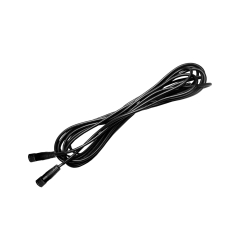
  2. 1 x RJ11 extension cable (3 metres): Provides sufficient length to mount the controller outside the tent or at a central location.
  3. 1 x RJ11 inline coupler: For secure connection of cables without signal loss.
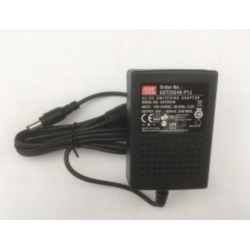
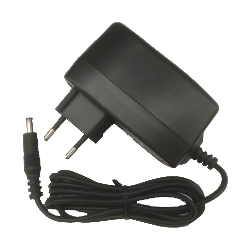
  4. 1 x AC Infinity UIS adapter (Type A): The essential end piece for feeding the signal into the special UIS port of the AC Infinity controller.

Technical details

  • Luminaire compatibility: F.O.G. LED systems with M16 control connection.
  • Controller compatibility: All AC Infinity controllers with UIS connection.
  • Cable length: 3 metres (extendable).
  • Signal type: PWM / Analogue (depending on the luminaire driver).

Installation instructions

Installation is extremely simple: Screw the M16 adapter onto the F.O.G. luminaire, connect the RJ11 cable and link it to the controller via the UIS adapter. The controller usually recognises the device automatically as ‘Light’.

Are you planning to control multiple F.O.G. lights via a single controller? Then you may need an additional UIS splitter!
Greendoor
1643
3 Items
@COMMENT_AVATAR@

@CUSTOMER_NAME@

@AUTHOR_PROFILE@ @COMMENT_ISO_COUNTRY@
@VERIFY_PURCHASE@
(@COMMENT_GRADE@)
@COMMENT_DATE@
@COMMENT_NO_APPROVE@

@COMMENT_TITLE@

@COMMENT_COMMENT@

@COMMENT_IMAGES@
@COMMENT_VIDEOS@
Is this helpful? @COMMENT_USEFUL_ADVICES@ @COMMENT_NOT_USEFUL_ADVICES@ @COMMENTS_NB@ Write a comment
@COMMENT_AVATAR@

@CUSTOMER_NAME@

@AUTHOR_PROFILE@ @COMMENT_ISO_COUNTRY@
@VERIFY_PURCHASE@
@COMMENT_DATE@
@COMMENT_NO_APPROVE@

@COMMENT_COMMENT@

@COMMENT_USEFUL_ADVICES@ @COMMENT_NOT_USEFUL_ADVICES@ @REPLIES_NB@ Reply
@COMMENT_AVATAR@

@CUSTOMER_NAME@

@AUTHOR_PROFILE@ @COMMENT_ISO_COUNTRY@
@VERIFY_PURCHASE@
@COMMENT_DATE@
@COMMENT_NO_APPROVE@

@COMMENT_COMMENT@

@COMMENT_USEFUL_ADVICES@ @COMMENT_NOT_USEFUL_ADVICES@ Reply